Summary
The Decision Review System, the technology that now sits behind almost every contested moment shown on a live cricket scorecard, was first used in a Test match in November 2008 during a series between India and Sri Lanka, according to...
Table of contents
- 1 What “Live” Really Means on a Cricket Scorecard
- 2 A Short History of Live Cricket Scoring
- 3 How Live Scorecard Data Is Captured and Delivered
- 4 The Technology Behind Live Decisions
- 5 Reading a Live Scorecard as It Updates
- 6 Format Differences That Change the Live Experience
- 7 Choosing Where to Follow Live Updates
- 8 Troubleshooting Lag and Score Discrepancies
- 9 Setting Up Real-Time Score Alerts: A Step-by-Step Walkthrough
- 10 What Live Scorecard Data Costs for Developers
- 11 Frequently Asked Questions
- 11.1 How quickly does a live cricket scorecard update after each ball?
- 11.2 Why do two scorecards sometimes show different totals?
- 11.3 What is the Decision Review System and how does it affect live scores?
- 11.4 Are free live scorecards as accurate as paid services?
- 11.5 Why does the required run rate change after every ball?
- 11.6 Can I trust a live score that updates faster than the television broadcast?
- 11.7 What should I do if my live scorecard freezes mid-match?
- 12 Sources
The Decision Review System, the technology that now sits behind almost every contested moment shown on a live cricket scorecard, was first used in a Test match in November 2008 during a series between India and Sri Lanka, according to Wikipedia’s record of the system. That single innovation changed what a “live” update means: a scoreline is no longer just a clerk’s tally, it is a stream of verified events flowing from the field to your screen within seconds.
This guide explains how those updates are captured, why they sometimes lag, what the moving numbers actually represent, and how to choose a reliable place to follow them. If you are still learning the format of a scoresheet itself, our walkthrough on how to read cricket scorecards pairs well with everything below.
What “Live” Really Means on a Cricket Scorecard
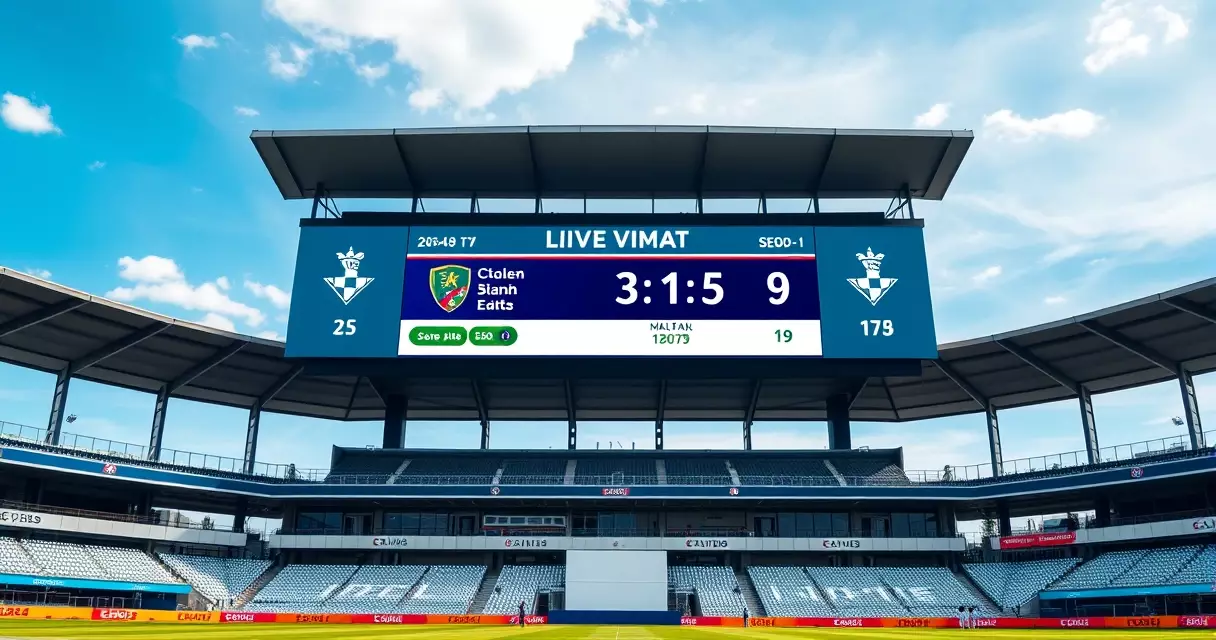
A live scorecard is a real-time projection of the match state. Every legal delivery, and an over is made up of six legal deliveries under the MCC Laws of Cricket, produces a small bundle of data: runs scored, the bowler, the striker, whether a wicket fell, and any extras. Those bundles are entered at the ground and pushed outward to apps, websites, and broadcast graphics.
Because the data is event-driven, the scorecard does not refresh on a fixed clock. It updates when something happens. A quiet maiden over may show no change for several minutes, while a chaotic final over can fire off six separate updates in under a minute. Understanding that rhythm helps you read a feed without assuming it has frozen.
Live data also carries more than the headline total. Run rate, required run rate, partnership runs, and the projected score all recalculate automatically after each ball. These derived figures are where casual viewers and serious analysts diverge, and they are explored further in our piece on analyzing cricket statistics from scorecards.
A Short History of Live Cricket Scoring
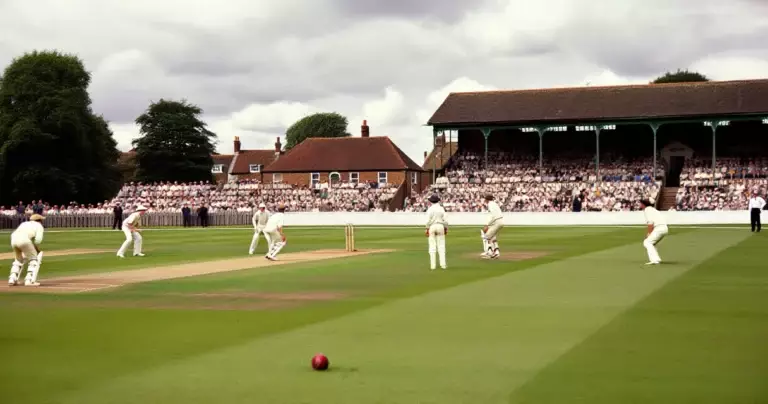
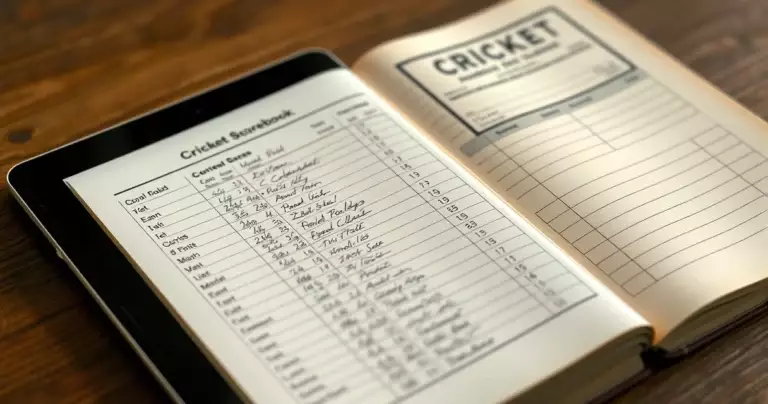
Scoring was once a purely manual craft. Two scorers sat with paper books, cross-checking each other, and the public learned the result hours or days later through newspapers and radio. The shift toward instant access began in earnest in the 1990s with the internet. ESPNcricinfo, one of the most cited live-scoring services, started in 1993 as the volunteer-run project CricInfo, as documented on its Wikipedia entry.
Two forces then accelerated the field. Mobile phones turned every spectator into a potential follower of a distant match, and broadcast technology grew hungry for data to feed on-screen graphics. By the time the Decision Review System arrived in 2008, live scorecards had become the connective tissue between what happened on the field and a global audience watching on small screens.
The result is a layered ecosystem. Official governing-body feeds, independent statistics services, and broadcaster graphics now draw from overlapping sources, which is why the same wicket can appear almost simultaneously across very different platforms.
How Live Scorecard Data Is Captured and Delivered
The journey of a single ball is shorter than most viewers imagine. A trained scorer at the venue logs the delivery into scoring software the instant it is bowled. That entry is validated, then transmitted to a central server. From there, distribution services fan the update out to thousands of clients at once.
Three delivery methods dominate the consumer side. Polling apps ask the server for fresh data every few seconds. Streaming connections keep a line open so the server can push updates the moment they arrive. Broadcast overlays sit closest to the action, often updating before public feeds because they bypass several relay steps.
Each step adds a fraction of delay. A spectator inside the stadium sees the ball first, the broadcast graphic follows, and a polling app on the other side of the world arrives last. None of this means a feed is broken; it reflects the distance data travels. For a side-by-side look at which services keep that distance shortest, our review of cricket scorecard apps and websites breaks down the trade-offs.
The Technology Behind Live Decisions
Some of the most dramatic scorecard changes come not from the bat but from a review. The Decision Review System combines several tools, and each one feeds information that can flip a dismissal on a live feed. Ball-tracking is handled by Hawk-Eye, which uses a set of high-performance cameras positioned around the ground to reconstruct the ball’s path, as described on Hawk-Eye’s Wikipedia page.
Edge detection relies on audio and thermal tools. A sound-based system registers the faint noise of bat on ball, while infrared imaging looks for the heat mark left by contact. When the on-field umpire’s call is reviewed, these layers are weighed together, and only then does the scorecard confirm whether a wicket stands. The table below summarizes what each component contributes.
| Component | What it measures | Effect on the live scorecard |
|---|---|---|
| Ball-tracking (Hawk-Eye) | Predicted path of the ball after impact | Confirms or overturns leg-before decisions |
| Audio edge detection | Sound of contact between bat and ball | Supports caught-behind reviews |
| Infrared imaging | Heat signature from contact | Visual confirmation of an edge |
| Slow-motion replay | Foot position and clean catches | Validates no-balls and disputed catches |
Reviews are limited so teams cannot use them endlessly. Each team is allowed a set number of unsuccessful reviews per innings, and that allowance differs by format, with Test cricket permitting more than the shorter games, according to the Decision Review System documentation. When a review succeeds, the original allowance is retained, which is why a well-judged challenge can change a scorecard without costing a team anything.
Reading a Live Scorecard as It Updates
A live scorecard is busiest in the small details. The main line shows the batting total and wickets lost, but the surrounding figures tell the story of momentum. Watch the current run rate climb or stall, track the partnership between the two batters at the crease, and note how the required rate shifts in a chase after every ball.
Symbols matter just as much as numbers. A dot ball, a wide, a leg-bye, and a boundary each have their own notation, and misreading them distorts your sense of the over. Our reference on cricket scorecard symbols and abbreviations is worth keeping open during a fast finish.
Live feeds also show the recent-balls strip, a short sequence of the last several deliveries. This is the quickest way to judge whether a bowler is under pressure or a batter is stuck. Reading that strip well separates a follower who knows the score from one who understands the contest.
Format Differences That Change the Live Experience
The pace of updates depends heavily on the format you are following. A Test match unfolds across up to five days, an One Day International gives each side 50 overs, and a Twenty20 game limits each side to 20 overs, per the format descriptions on Wikipedia. Those structural differences shape how often a scorecard moves and what you should watch for.
| Format | Overs per side | Typical duration | Live-update tempo |
|---|---|---|---|
| Test | Unlimited (up to five days) | Up to 5 days | Steady, with long quiet passages |
| One Day International | 50 | About 8 hours | Moderate, rising near the end |
| Twenty20 | 20 | About 3 hours | Rapid and near-constant |
In the shortest format every ball can swing the result, so the scorecard’s derived numbers, especially the required run rate, dominate attention. In a Test the same feed rewards patience, where a session of careful batting matters more than any single delivery. The contrast is covered in depth in our comparison of Test, ODI and T20 scorecard differences.
Choosing Where to Follow Live Updates
Reliability beats flashiness when picking a live source. Look first at where the data originates. Services that draw from official governing-body feeds or established statistics providers tend to correct errors quickly and rarely show phantom scores. The International Cricket Council publishes the playing conditions that those feeds follow, which is a useful anchor when two sources disagree.
Speed is the second factor. A streaming feed generally beats a slow-polling one, though the gap is often only a few seconds. Premier news outlets such as BBC Sport run their own live text alongside the raw scorecard, which adds context that a bare number cannot. Match that against your own need: a die-hard fan wants the fastest feed, a casual follower may prefer the explanation.
Finally, consider depth. Some platforms show only the headline score, while others expose full ball-by-ball commentary, wagon wheels, and historical records. If you want the broadest view of past and present results, our cricket match scorecards database collects completed cards across all three formats.
Troubleshooting Lag and Score Discrepancies
When two sources disagree, the cause is usually timing rather than error. One feed has simply received the latest ball before the other. Give the slower source a few seconds and it normally catches up. A persistent gap, however, can signal a manual correction in progress, often after a review or a scoring dispute at the ground.
Connection problems on your own device account for many “frozen” scorecards. Refreshing the page, switching from cellular to a stronger network, or closing a backgrounded app forces the client to request fresh data. If the feed still stalls, the bottleneck is likely between you and the server, not at the match itself.
Occasionally a score is genuinely revised after the fact. Umpires can amend an entry, and reviews can overturn a wicket minutes after it appeared. Treating the official governing-body feed as the tiebreaker keeps you from chasing a number that was always going to be corrected.
Setting Up Real-Time Score Alerts: A Step-by-Step Walkthrough
Refreshing a scorecard by hand wastes time when a wicket can fall between glances. Push alerts close that gap. Cricbuzz, which passed 100 million installs on the Google Play Store (Google Play, 2026), and the ESPNcricinfo app both ship granular notification controls, and you can layer automation on top with IFTTT or a simple calendar reminder. The steps below take under five minutes per match.
- Install the official app. In Cricbuzz, open Settings, then Notifications, and toggle on “Match Notifications” so the app can post to your lock screen.
- Pick the match. Tap the fixture from the home feed, then the bell icon. Cricbuzz lets you subscribe per match rather than per team, so you are not flooded by games you do not care about.
- Choose event granularity. Under notification preferences, enable only the triggers you want: wicket, boundary (four or six), innings break, toss, and result. Disabling ball-by-ball alerts cuts the volume sharply during a T20.
- Set a start reminder. Add the toss time to your phone calendar in your local zone. The toss happens 30 minutes before the first ball under ICC playing conditions (ICC Men’s ODI Playing Conditions, 2023), giving you a reliable pre-match cue.
- Automate a secondary channel. In IFTTT, connect an RSS or email applet to ESPNcricinfo’s match feed so a key event also lands in Slack, Telegram, or email as a backup to the app.
Two practical tips. First, allowlist the apps in your phone’s battery optimisation menu. On Android, aggressive Doze settings can delay or drop notifications, a documented behaviour in Google’s Android power management guidance (Android Developers, 2024). Second, mute “news” and “editorial” categories separately from live-event categories, otherwise breaking-story pushes drown the scoreline. Once configured, a falling wicket reaches your screen in the same one to two seconds the in-app scorecard takes to refresh, so you can stay off the live page entirely until something actually happens.
What Live Scorecard Data Costs for Developers
If you want to build your own scoreboard, widget, or fantasy feature rather than read someone else’s app, you license a live cricket data API. Pricing splits into two tiers: self-serve developer plans billed per request or per month, and enterprise contracts with custom rates for low-latency ball-by-ball feeds. The figures below come from each provider’s published pricing as of 2026.
| Provider | Free tier | Entry paid plan | Live ball-by-ball |
|---|---|---|---|
| CricketData.org (CricAPI) | 100 requests/day (CricketData.org pricing, 2026) | From $9/month (CricketData.org pricing, 2026) | Higher tiers only |
| Roanuz Cricket API | Trial credits (Roanuz pricing, 2026) | From $49/month (Roanuz pricing, 2026) | Included on Pro plans |
| EntitySport | Sandbox key (EntitySport docs, 2026) | Custom monthly quote (EntitySport pricing, 2026) | Push and pull feeds |
| Sportradar Cricket | Trial on request (Sportradar developer portal, 2026) | Enterprise contract (Sportradar, 2026) | Sub-second official feed |
Three cost drivers matter more than the headline price. Latency is the first: a feed updating every 30 seconds is cheap, while a guaranteed sub-second ball-by-ball stream from a provider like Sportradar runs into enterprise pricing because it relies on a scorer at the venue rather than scraped web data. Request volume is the second. A widget polling every five seconds for a single ODI fires roughly 5,760 requests over an eight-hour day, which alone exhausts CricketData.org’s 100-request free tier (CricketData.org pricing, 2026) within minutes, so you must cache aggressively or use a webhook push model.
Coverage breadth is the third driver. International fixtures are widely available, but full ball-by-ball data for domestic leagues such as the IPL or BBL is often gated behind premium tiers or separate licensing, because official rights are sold per competition. Before committing, confirm the provider covers the exact tournaments you need, test their latency against a televised match, and check whether their terms permit redistribution if you plan to show the data to end users.
Frequently Asked Questions
How quickly does a live cricket scorecard update after each ball?
It depends on how the data reaches you. A scorer at the ground enters each delivery within a second or two of it being bowled, and the update then travels through a central server to your device. Spectators inside the stadium see events first, broadcast graphics follow, and consumer apps usually arrive last because the data passes through more relay steps. In practice most reputable feeds refresh within a few seconds of a ball. Because scoring is event-driven rather than clock-driven, a quiet over may show no movement at all, which is normal and not a sign of a fault.
Why do two scorecards sometimes show different totals?
The most common reason is timing. One service has received the most recent delivery while the other has not yet caught up, so a difference of a single ball appears between them. This usually resolves within seconds. A longer-lasting gap can mean a manual correction is underway, often after a Decision Review System call overturns a wicket or after an umpire amends an earlier entry. When totals conflict for more than a short moment, the safest approach is to trust the official governing-body feed or an established statistics provider, since those tend to correct errors quickly and reliably.
What is the Decision Review System and how does it affect live scores?
The Decision Review System is a set of technologies that lets teams challenge an umpire’s on-field decision. It combines ball-tracking, audio edge detection, infrared imaging, and slow-motion replay to judge dismissals more accurately. According to its Wikipedia entry, it was first used in a Test match in November 2008. On a live scorecard its impact is direct: a wicket that appears can later be removed, or a not-out call can become a dismissal, once the review completes. Each team has a limited number of unsuccessful reviews per innings, and that allowance is larger in Test cricket than in the shorter formats.
Are free live scorecards as accurate as paid services?
Accuracy depends on the data source rather than the price. Many free services draw from the same official feeds and established statistics providers that paid platforms use, so the core score is identical. What paid or premium tiers often add is depth and speed: faster streaming connections, fuller ball-by-ball commentary, advanced visualizations, and an interface free of advertising. For someone who only wants the current total, a reputable free source is usually enough. For an analyst who wants every metric in real time, the extra features of a premium service can be worth it, but the underlying numbers should match.
Why does the required run rate change after every ball?
The required run rate is a derived figure that recalculates whenever the chasing side’s situation changes. It divides the runs still needed by the overs still remaining, expressed per over. Every delivery alters one or both of those inputs, so the number moves constantly. A boundary lowers the required rate sharply, a dot ball nudges it upward, and a wicket can swing it through the loss of a set batter. Following this figure is the quickest way to judge whether a chase is on track, which is why it sits at the center of attention in limited-overs cricket, especially in the Twenty20 format.
Can I trust a live score that updates faster than the television broadcast?
Yes, and the reason is the broadcast delay. Television signals are often held back by several seconds for production and compliance, while a data-only scorecard can travel a shorter route from the ground. That is why an app sometimes shows a wicket before you see it on screen. The data feed is not jumping ahead of reality; the broadcast is intentionally behind it. If you want to avoid spoilers while watching on television, it helps to keep a fast scorecard closed, because the two are simply running on different timelines.
What should I do if my live scorecard freezes mid-match?
Start with your own connection, since device-side problems cause most frozen feeds. Refresh the page, switch to a stronger network, or close and reopen the app so the client requests fresh data. If the feed resumes, the issue was between you and the server rather than at the match. Should the score still stall while other sources keep moving, the platform itself may be struggling, and switching to a feed that draws from an official governing-body source is the fastest fix. A brief pause during a review or a scoring correction at the ground is also normal and clears on its own.
Sources
- Decision Review System – https://en.wikipedia.org/wiki/Decision_Review_System
- Hawk-Eye – https://en.wikipedia.org/wiki/Hawk-Eye
- ESPNcricinfo – https://en.wikipedia.org/wiki/ESPNcricinfo
- Limited overs cricket – https://en.wikipedia.org/wiki/Limited_overs_cricket
- MCC Laws of Cricket – https://www.lords.org/mcc/the-laws-of-cricket
- International Cricket Council – https://www.icc-cricket.com/
- BBC Sport, Cricket – https://www.bbc.com/sport/cricket